Features
Keyboard Shortcuts
Every global keyboard shortcut, in one place
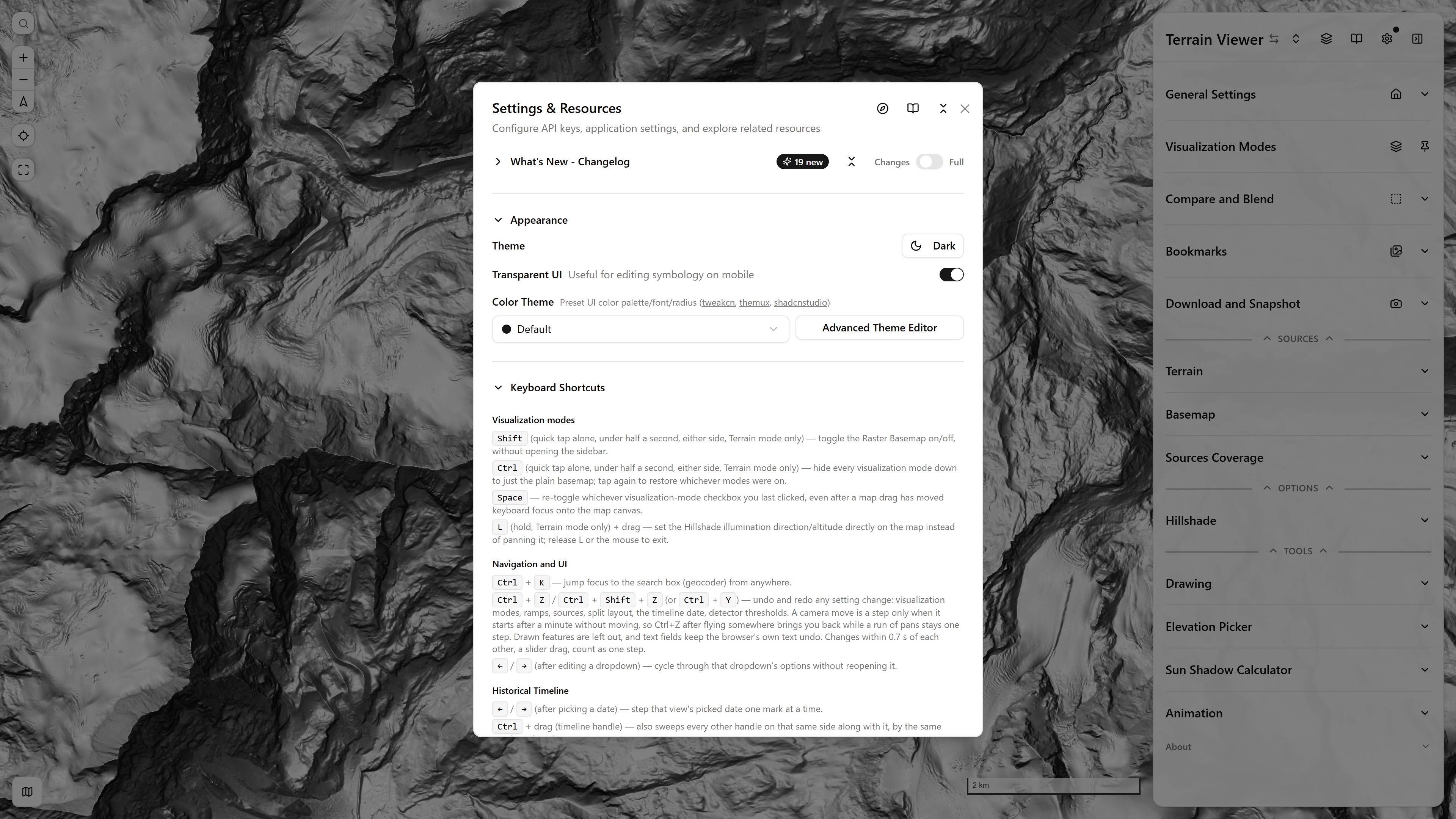
The same list inside the app, under Settings → Keyboard Shortcuts
Visualization modes
Shift(quick tap alone, under half a second, either side, Terrain mode only) — toggle the Raster Basemap on/off, without opening the sidebar.Ctrl(quick tap alone, under half a second, either side, Terrain mode only) — hide every visualization mode down to just the plain basemap; tap again to restore whichever modes were on.Space— re-toggle whichever visualization-mode checkbox you last clicked, even after a map drag has moved keyboard focus onto the map canvas.L(hold, Terrain mode only) + drag — set the Hillshade illumination direction/altitude directly on the map instead of panning it; release L or the mouse to exit.
Navigation and UI
Ctrl+K— jump focus to the search box (geocoder) from anywhere.Ctrl+Z/Ctrl+Shift+Z(orCtrl+Y) — undo and redo any setting change: visualization modes, ramps, sources, split layout, the timeline date, detector thresholds. A camera move is a step only when it starts after a minute without moving, so Ctrl+Z after flying somewhere brings you back while a run of pans stays one step. Drawn features are left out, and text fields keep the browser's own text undo. Changes within 0.7 s of each other, a slider drag, count as one step.←/→(after editing a dropdown) — cycle through that dropdown's options without reopening it.
Historical Timeline
←/→(after picking a date) — step that view's picked date one mark at a time.Ctrl+ drag (timeline handle) — also sweeps every other handle on that same side along with it, by the same number of marks.
Drawing
Esc— bail out of whatever drawing tool is active (point, polygon, circle…) back to Select.
With a layer's Feature Iterator open (the loop toggle on a layer row — see Tools → Drawing), and focus outside a text field:
→/N— frame the next feature,←/P— the previous one (wraps around at either end).D/Delete/Backspace— delete the currently framed feature, then frame the next one.