Bookmarks
Saving and organizing views
A bookmark is a name, a thumbnail, and the full URL query string at the moment it was saved — since nearly all app state already lives in the URL (see Setup), restoring a bookmark is just re-applying that saved query string.
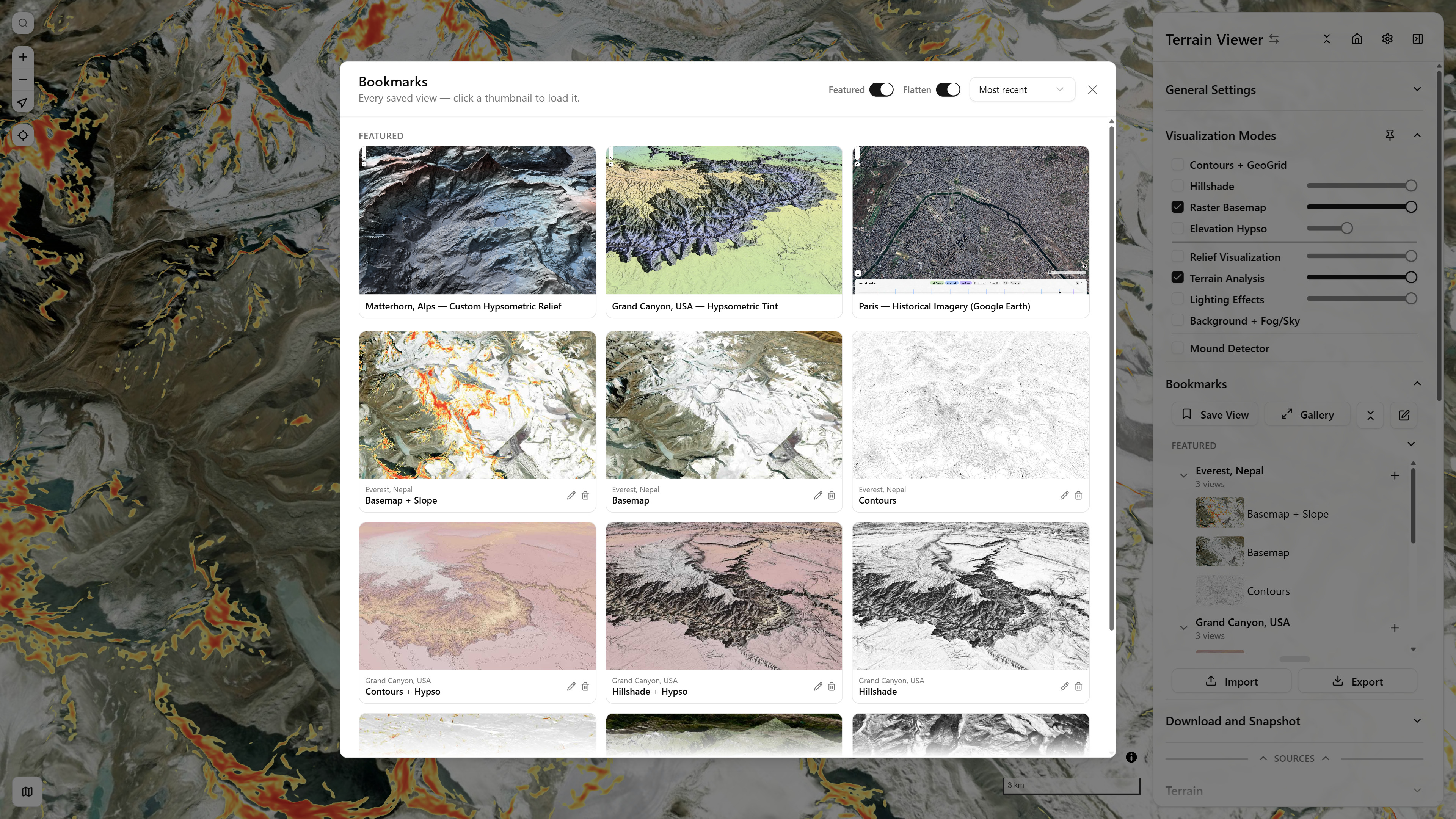
Bookmarks Gallery — built-in Featured strip (Matterhorn, Grand Canyon, Paris historical, Iceland overlay) plus this session's own saved views below
Projects and views
- Save View creates a project (the viewport + a first child capturing the current visualization settings).
- Each project can have multiple children — same viewport, different visualization-mode combinations — added via the + button on a project row.
- Restoring a child while its parent project is already active leaves the camera alone (only the visualization settings change); restoring a bookmark from a different project eases the camera to its saved viewport.
Organizing
- Drag to reorder projects, or reorder/reparent children within their own project.
- Fold/expand individual projects, or all of them at once.
- An Edit toggle exposes rename/delete on every row (kept out of the way during normal day-to-day use).
- The Gallery view shows every bookmark as a sortable, flattenable grid — useful once the list gets long.
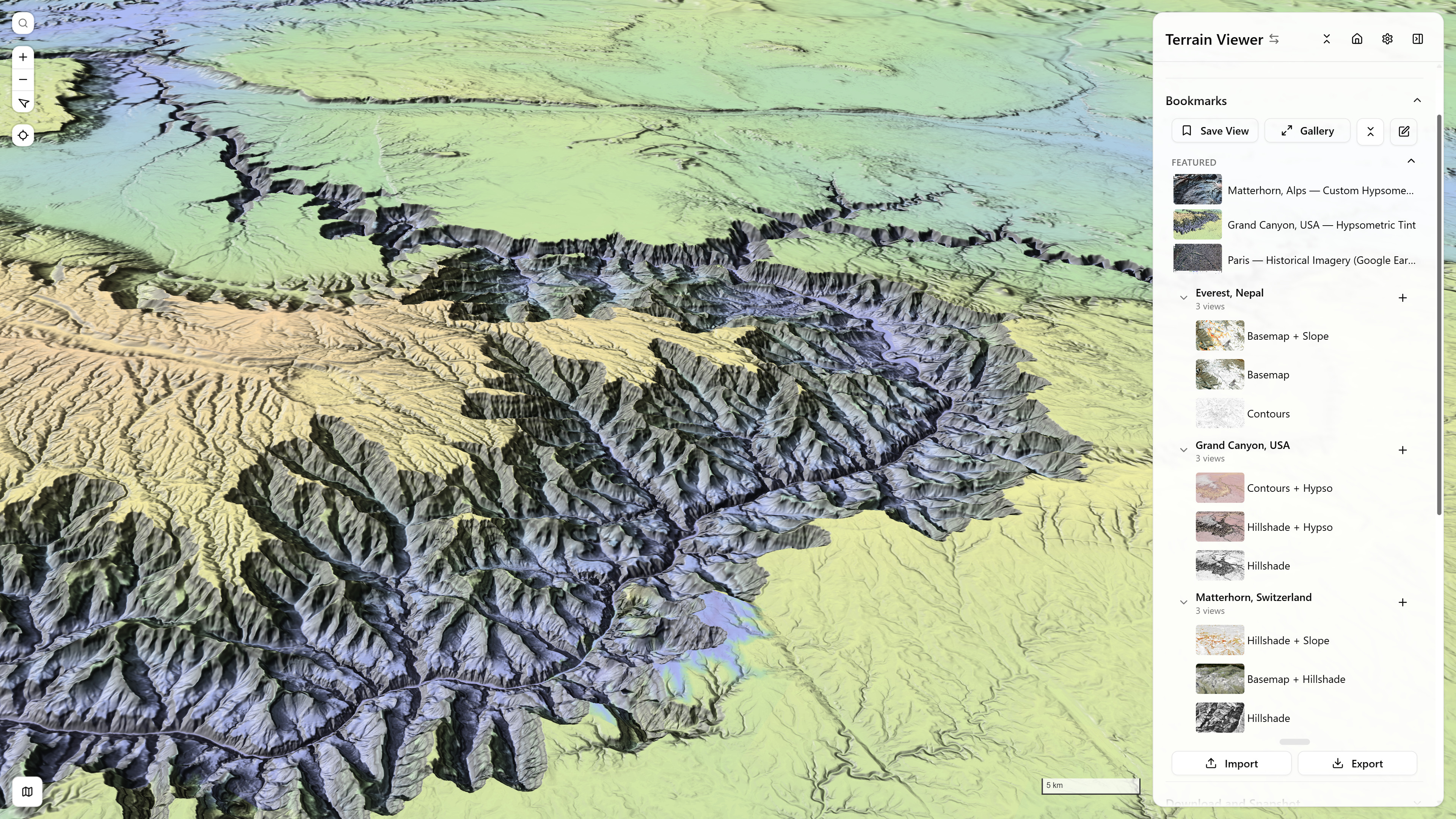
Bookmarks panel — three projects (Grand Canyon, Torres del Paine/Patagonia, Matterhorn), each with multiple saved viz-mode views
Import / Export
Export the full bookmark list as JSON, or import one — importing merges by id, so re-importing a previously exported file updates existing entries in place rather than duplicating them.
Featured (built-in) bookmarks
A small set of curated example viewpoints — different terrain shapes (mountains, canyon), different visualization combinations (hillshade, hypsometric tint, sky-view factor), and a historical-imagery example — ships with the app under a Featured strip above your own bookmark list. These are read-only and separate from your personal list: restoring one never edits or removes it, and your own saved bookmarks are never affected by an app update to this set.
Split & Compare Modes
Off, Overlay, and Side — comparing terrain/basemap sources against each other
Research References Table
All of Terrain Viewer's research references as sortable, filterable tables by section, by field, year, whether a study opens in the app, has a free copy or an elevation change, and whether it cites RVT or the Copernicus DEM